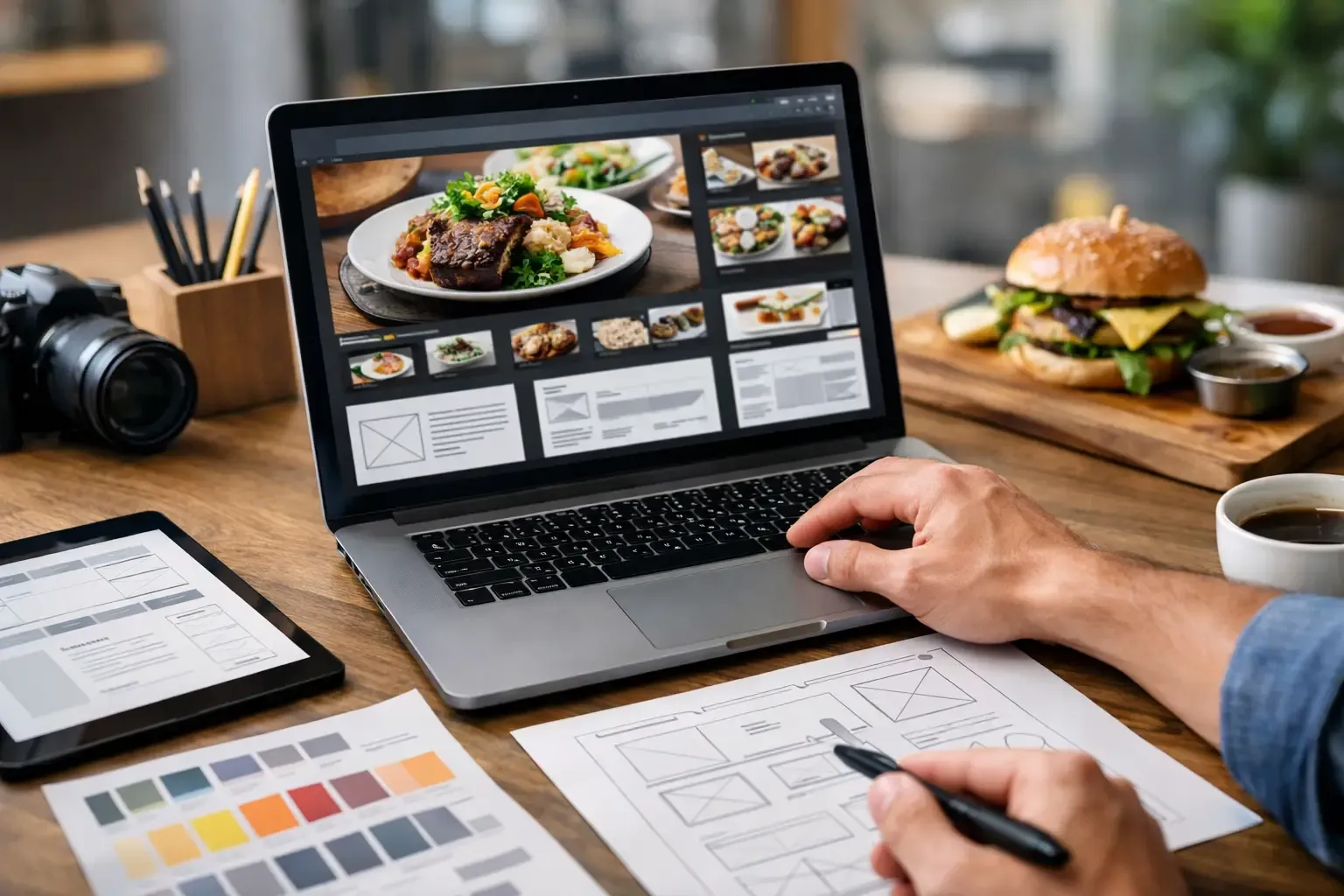
Friday at 6:30 p.m., a guest is deciding where to eat from a phone in a parking lot. They are not reading your origin story. They are looking for your menu, hours, reservation options, location, and one clear reason to pick you over the place two blocks away. That is why a restaurant website design guide matters - not as a branding exercise, but as a revenue tool.
Most restaurant sites fail in predictable ways. They look polished but hide the menu. They load slowly. They force guests through too many clicks to book, order, or call. Or they reflect what ownership wants to say instead of what guests need to do. Good restaurant website design starts with a simple question: what actions should this site drive, and how quickly can a guest complete them?
What a restaurant website needs to do
A restaurant website is not a digital brochure. It is an operating asset. In practical terms, it should reduce friction for guests, support the brand, and move traffic toward measurable actions like reservations, online ordering, private event inquiries, gift card purchases, and phone calls.
That sounds obvious, but operators often overbuild for aesthetics and underbuild for performance. A high-end steakhouse, fast casual concept, cocktail bar, and multi-unit family brand do not need the same site. The right build depends on your sales mix, service model, and guest behavior. If private dining drives margin, that path needs to be prominent. If takeout is a major revenue stream, online ordering cannot be buried under three menus and a gallery.
Your site should also answer operational questions before they hit the host stand. Parking, dress code, age restrictions, corkage, happy hour timing, allergy notes, and holiday hours all affect call volume and guest expectations. When the site handles those questions clearly, the team spends less time repeating basic information and more time managing service.
A restaurant website design guide built around conversion
The fastest way to improve a restaurant website is to think in layers. First comes utility. Then comes brand expression. Then comes refinement.
Utility means the guest can do the obvious things immediately. On mobile, that includes viewing the menu, booking a table, placing an order, calling the business, and getting directions. If any of those actions take effort, the site is underperforming. Guests are impatient, especially on mobile, and they compare your digital experience to every other hospitality business in your market.
Brand expression still matters. Photography, typography, tone, and layout all help signal whether your concept is premium, casual, nightlife-driven, family-friendly, or occasion-based. But branding should support conversion, not compete with it. If a full-screen video slows load time or pushes the reservation button below the fold, it is costing you business.
Refinement is where operators often overspend too early. Custom animations, unusual navigation, and heavy visual effects can look impressive in a design review and frustrate real guests in live use. Clean and fast usually wins.
The homepage should answer five questions fast
Your homepage does not need to say everything. It needs to say the right things in the right order. Within a few seconds, a guest should understand what the concept is, where it is, whether it fits the occasion, and what to do next.
That means your hero section needs a clear headline or visual identity, one or two primary calls to action, and immediate access to the information most guests are seeking. Hours, address, reservations, and menu access should not require a search. If you run multiple concepts or locations, the path to the correct one needs to be obvious.
Operators sometimes try to make the homepage carry the full brand narrative. That is rarely necessary. Save the long-form story for guests who want it. The homepage should do the work of a great host - orient quickly, answer the practical questions, and move the guest toward the right next step.
Mobile design is the real design
For most restaurants, mobile traffic is not secondary. It is the primary use case. If the site was reviewed on a desktop and approved because it looked sharp in a conference room, that does not mean it works in the market.
Mobile design should prioritize thumb-friendly navigation, readable menus, fast image loading, and click-to-action functionality. Phone numbers should be tappable. Maps should open correctly. Reservation and ordering buttons should remain visible without forcing the user to hunt.
Menu PDFs are a common problem. They may be quick to upload, but they often create a poor mobile experience, especially if the text is small or the file loads slowly. A properly built menu page is usually the better choice. PDFs still have a place for print-style wine lists or banquet packets, but your core food and beverage menu should be easy to scan on a phone.
The menu page is where a lot of money is won or lost
Guests do not visit your menu page for design awards. They visit to decide whether to buy. That page needs clarity, structure, and pricing logic.
At minimum, menu categories should be easy to navigate, item descriptions should be concise but useful, and pricing should be current. Nothing damages trust faster than pricing conflicts between the site and the check presenter. If your menu changes frequently, your website process needs to support quick updates without waiting on a designer every time a dish rotates.
There is also a strategic layer here. The way the menu is presented can influence guest expectations before they arrive. If you are trying to elevate average check, the photography, copy, and sequencing should reinforce quality and occasion. If speed and convenience matter more, the menu should reduce decision time. Different concepts need different menu experiences.
Reservations, ordering, and event leads need clean paths
A site should reflect how the business actually makes money. For full-service restaurants, reservation flow is often the priority. For quick-service or hybrid concepts, online ordering may be the bigger revenue lever. For chef-driven venues, hotels, or upscale concepts, private dining and large-party inquiries can be among the most valuable conversions.
Each of those paths deserves clear placement and as few steps as possible. If private events matter, do not bury the inquiry form in a footer. Give it its own visible path, explain capacity and event types, and make the form operationally useful. Ask for guest count, preferred date, budget range, and contact details so the lead comes in qualified.
This is where experienced operators approach website design differently than pure marketers. The goal is not more form fills at any cost. The goal is better leads, better guest flow, and less back-and-forth for the team.
Design choices should support operations
The best restaurant websites are built with service realities in mind. If parking is difficult, say so clearly and offer guidance. If your brunch wait times run long, set expectations. If your concept is 21 and up after a certain hour, make that impossible to miss. Preventable confusion creates avoidable friction for staff and guests.
There is also a staffing dimension. If your site produces constant calls for basic information, it is pushing administrative work onto your front-of-house team. If it creates confusion around reservations, menu availability, or event policies, it increases the chance of service recovery. Design is not separate from operations. It affects labor, guest sentiment, and revenue capture.
For multi-unit operators, consistency matters just as much as creativity. Guests should be able to navigate from one location page to another without relearning the system. At the same time, local differences such as hours, menus, and parking instructions need to be accurate. Standardized structure with location-specific content usually performs better than trying to force every unit into identical messaging.
What to measure after launch
A website is not finished when it goes live. Operators should review performance the same way they review labor, food cost, and sales mix - through actual results.
Start with the basics. Are guests clicking reservations, ordering, calling, or submitting event inquiries? Which pages are getting traffic, and where are users dropping off? Are mobile users converting at a lower rate than desktop users? If so, that usually points to a usability issue, not a traffic issue.
Watch your call patterns too. If guests keep calling to ask for information that should be obvious on the site, the design is missing the mark. If private event leads are unqualified, the form or page copy may need work. If menu views are high but ordering is low, the transition from browsing to purchasing may be clumsy.
At Step It Up Strategies, this is where operator experience matters. A restaurant website should not just look current. It should help the business run cleaner, sell more effectively, and reduce friction where margins are already tight.
A strong site will not fix weak operations, but a weak site will absolutely get in the way of strong ones. Build for the guest you actually serve, prioritize the actions that drive revenue, and make every page earn its place. When the website starts working like part of the business instead of decoration around it, you feel the difference in service, in lead quality, and in the top line.