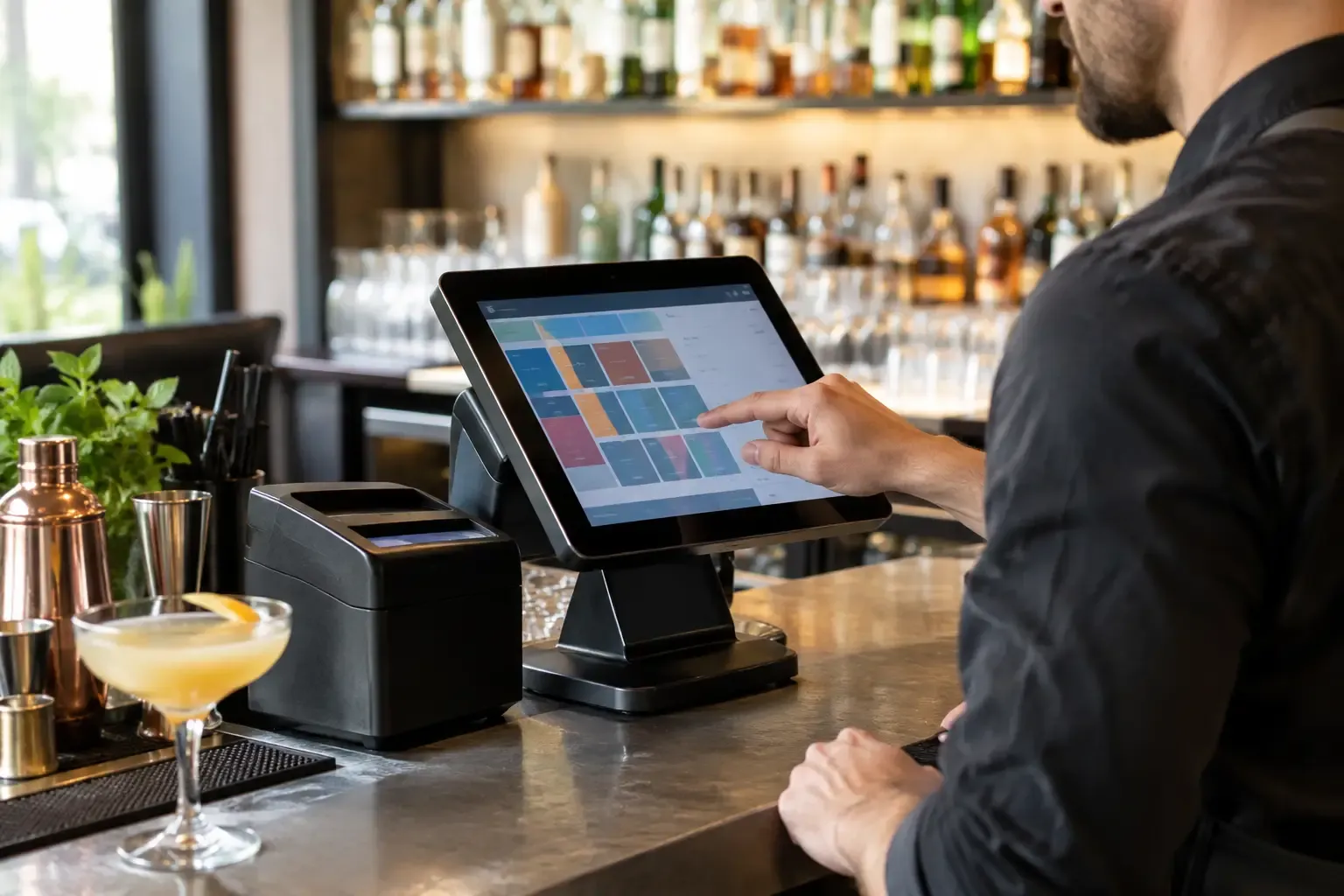
A bar POS is tested at 11:45 p.m. on a Saturday, not during a polished sales demo. Can the bartender start and transfer tabs without slowing the rail? Can a manager void a mistake with a clear audit trail? Can the system tell you where tequila usage and pour cost went sideways before month-end? The best POS systems for bars answer those questions under pressure.
For operators, the right platform is not simply a payment terminal with a cocktail button. It is a control system for sales, labor, inventory, guest checks, promotions, and accountability. The wrong selection creates extra steps at service, weakens reporting, and leaves management cleaning up preventable mistakes. The right one supports fast volume while giving ownership usable data.
What a Bar POS Must Handle
A restaurant POS can work for a bar, but a bar has different pressure points. Open tabs need to stay organized across shifts. Bartenders need modifier logic that does not turn every cocktail into a five-screen transaction. Managers need to see comps, voids, discounts, and cash overages by employee. If the concept serves food, the system also has to communicate accurately with the kitchen while keeping the bar moving.
Start with service speed. Look for an interface built for touch entry, easy seat and tab transfer, card preauthorization, split checks, and quick reorders. A nightclub or high-volume music venue may prioritize rapid payment and handheld devices. A craft cocktail bar may value detailed modifiers, recipe costing, and a guest history that supports better service.
Inventory matters just as much. Most POS platforms do not replace disciplined bar inventory procedures on their own. They can, however, provide a useful sales mix, connect with inventory tools, and highlight variance when actual depletion does not match theoretical usage. If your weekly inventory process still depends on manual spreadsheets, make sure the POS can export clean, reliable data.
Finally, evaluate support and implementation. A system with attractive features is a liability if it fails during a major event and support cannot resolve it quickly. Ask how hardware replacement works, what support is included, whether the provider has experience with comparable venues, and who owns the setup work.
7 Best POS Systems for Bars
There is no universal winner. A 60-seat neighborhood bar, a multi-unit sports bar, and a hotel lobby lounge should not make the same decision. These platforms are among the strongest options for US bar operators, depending on operating model, budget, complexity, and growth plans.
Toast
Toast is a common choice for full-service bars and restaurants because it combines POS, handheld ordering, payments, labor tools, online ordering, and a wide ecosystem of add-ons. It is particularly strong when a bar has meaningful food sales, table service, patio service, or a need for servers and bartenders to work from the same workflow.
The upside is operational breadth. Handhelds can shorten payment time, menu controls are generally practical for food and beverage programs, and reporting is accessible for managers. The trade-off is cost and vendor commitment. Operators should model processing fees, hardware, subscriptions, and add-on modules over several years, not just compare the initial quote.
SpotOn Restaurant
SpotOn is worth serious consideration for independent bars and restaurant-bar concepts that want a modern interface with hands-on implementation and support. Its POS, payments, loyalty, labor, and marketing tools can be configured around the needs of a growing operator.
Its value often comes down to the commercial package and local support quality. Review the payment agreement carefully, test the bar workflow in a live-style demo, and ask for reporting examples using the metrics your leadership team actually reviews. A system is only useful if managers can pull sales, labor, discount, and tender data without building a new report every time.
Square for Restaurants
Square for Restaurants is often a practical fit for smaller bars, breweries, wine bars, and newer concepts that need a lower-friction launch. The interface is familiar, setup is typically straightforward, and the wider Square ecosystem can support payments, payroll, scheduling, and basic customer engagement.
The limitation is complexity. Square can be a smart early-stage choice, but an operator with extensive multi-location reporting, highly customized service standards, or demanding enterprise integrations may outgrow it. That does not make it the wrong system. It means the decision should match the business you expect to run in two or three years, not only opening week.
Lightspeed Restaurant
Lightspeed Restaurant is a strong contender for operators who want flexibility, especially bars with a retail component, detailed inventory needs, or an emphasis on guest-facing design. It can work well in wine bars, upscale lounges, breweries, and concepts where product-level organization matters.
Before committing, validate the exact configuration for tabs, bar service, kitchen communication, payment processing, and reporting. Platforms with broad capabilities can require careful setup. That setup should reflect actual service patterns: where guests order, when cards are captured, who can discount, and how staff close out at the end of the night.
TouchBistro
TouchBistro is designed around food and beverage service and is often attractive to independent operators that want a restaurant-focused POS without taking on a large enterprise platform. Its table and menu management tools can serve neighborhood bars, gastropubs, and full-service concepts well.
The key question is whether its available integrations and payment setup meet your long-term needs. If your operation depends on a specific inventory platform, loyalty program, accounting workflow, or hardware arrangement, confirm that connection before signing. Never treat an integration as confirmed because it appears in a sales presentation.
NCR Aloha
NCR Aloha remains a familiar name in high-volume food and beverage operations. It has a long track record in chain restaurants, sports venues, hotels, and operations that need detailed controls and deeply established workflows. For a large bar program or multi-unit group, its scale and configuration options can be compelling.
That power can come with more complexity. Implementation, customization, hardware, and support structures deserve close scrutiny. Aloha is rarely the simplest option for a first-time owner with a single small bar, but it may be appropriate when controls, scale, and standardization outweigh ease of setup.
Oracle Simphony
Oracle Simphony is built for enterprise hospitality environments, including hotels, resorts, casinos, stadiums, and multi-outlet operations. It can support complex reporting structures, multiple revenue centers, and the governance requirements of larger organizations.
For an independent bar, it may be more platform than the operation needs. For a resort with pool bars, lobby service, banquets, restaurants, and room charges, it can be a more logical fit. The operating environment should determine the platform, not brand recognition.
Choose Based on Your Failure Points
Most POS buying decisions start too broadly: “We need a new system.” A better approach is to identify what is currently failing. Are bartenders wasting time closing checks? Are managers unable to reconcile cash? Are drink costs drifting because sales data does not connect to inventory? Are servers ringing items under the wrong revenue center? Is ownership blind to discount and void activity until the weekly meeting?
Build the selection process around those failure points. Ask each vendor to demonstrate a real Friday-night sequence: open a tab, add rounds, apply a manager-approved comp, transfer the tab, split it between guests, close it through a handheld, and show the result in reporting. Then ask how the system handles an internet outage, a printer failure, and a disputed charge. These are operating questions, not technology questions.
Do not overlook payment processing. A lower monthly software fee can be offset by higher processing costs, restrictive terms, or expensive hardware replacement. Compare the full economics: subscription fees, payment rates, per-terminal costs, implementation, menu build, training, support, contract length, and integration fees. Your controller or outside financial advisor should review the agreement before it becomes an expensive surprise.
Implementation Is Where the Return Is Won
A good POS installed badly will still damage service. Before go-live, clean up the menu, standardize modifier names, define revenue centers, set employee permissions, and establish rules for comps, voids, discounts, and cash handling. If three managers have three different answers on when a bartender can reopen a closed check, solve that policy problem before training begins.
Run parallel reporting checks during the first weeks. Compare POS sales by category to deposits, payment processor settlements, and inventory movement. Review exception reports daily. Small configuration errors are easiest to correct before staff build workarounds around them.
The best POS is the one your team can operate quickly, your managers can control confidently, and your ownership group can use to make better decisions. Buy for the service you need at peak volume, then build the discipline around it that protects every dollar after last call.